How to Build a Profitable Gaming PC on a Budget (Without Sacrificing Performance)
Building a gaming PC on a budget sounds simple until you're staring at a spreadsheet of parts, second-guessing every choice. The good news: you don't need to spend enthusiast-tier money to play modern games well. With the right priorities and a clear framework, a $400–$600 build can handle most popular titles at smooth, playable frame rates.
What "Budget Gaming PC" Actually Means in 2026
A budget gaming PC in 2026 typically falls between $350 and $650 for the core build — and that range buys you more than it did two years ago. Component prices have stabilized, and the used market has matured significantly, giving first-time builders real options.
It helps to think in two tiers. The entry tier (roughly $350–$450) targets 1080p gaming at medium settings with 60 FPS as the goal. The mid-range tier ($450–$650) gets you higher frame rates, better headroom for newer titles, and components that age more gracefully. Neither tier means cutting corners everywhere — it means cutting corners in the right places.
One expectation to reset early: a budget build is not a future-proof build. You're optimizing for today's games at a specific resolution. That's not a flaw — it's the point. Knowing this upfront prevents buyer's remorse and helps you make smarter trade-offs throughout the process.
Prioritizing Your Spending: Which Parts Matter Most
The single most impactful decision in any gaming PC build is where you put your money. GPU first, CPU second — everything else follows from there.
Your graphics card is responsible for rendering every frame in every game you play. It has more direct impact on gaming performance than any other component. After that, your processor feeds data to the GPU and handles game logic — a weak CPU will bottleneck even a solid graphics card. RAM, storage, and the motherboard matter, but they're supporting cast.
A rough allocation for a $500 build looks like this:
- GPU: 35–40% of total budget
- CPU: 15–20%
- Motherboard: 10–12%
- RAM: 8–10%
- Storage: 8–10%
- PSU: 10–12%
- Case: 5–8%
Peripherals — monitor, keyboard, mouse — are separate. If you're working with a hard ceiling, factor those in before you finalize your parts list, not after.
Choosing the Right GPU for Budget 1080p Gaming
For 1080p gaming on a budget, mid-range graphics cards in the $150–$220 range deliver the best price-to-performance ratio available right now. You're targeting 60+ FPS in most titles at medium-to-high settings, which is genuinely enjoyable for almost any game genre.
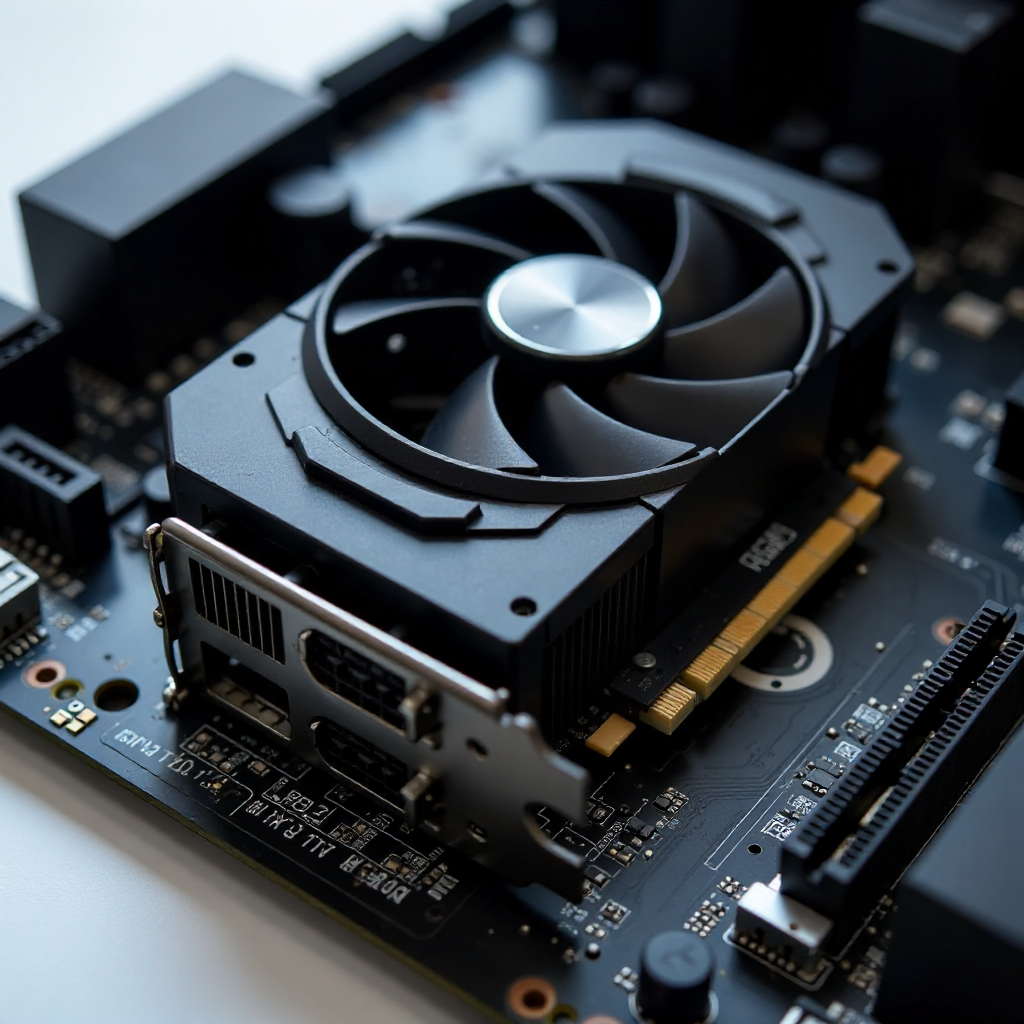
The key metric to evaluate isn't raw specs on paper — it's frame rate at 1080p in the specific games you actually play. An open-world RPG, a competitive shooter, and a strategy game have very different GPU demands. Check benchmarks for your target titles specifically, not just synthetic scores.
One common mistake: spending too little on the GPU to save money elsewhere, then ending up with a build that struggles at medium settings. The GPU is where under-spending hurts most visibly. If you're torn between two options, go with the stronger graphics card and save elsewhere — a cheaper case or a slightly slower SSD won't affect your frame rate.
Also worth knowing: VRAM matters more than it did three years ago. Aim for at least 8GB of VRAM on any card you consider, especially if you plan to play titles released in the last two years. 6GB cards are increasingly showing limitations in newer games.
CPU, RAM, and Motherboard: Finding the Sweet Spot
The CPU, RAM, and motherboard form an interdependent trio — choose one, and the others follow. Compatibility between these three components is the area where first-time builders most often make expensive mistakes.
For budget 1080p gaming, a 6-core processor hits the sweet spot. It handles modern game engines without overpaying for cores you won't use at this performance tier. Both major CPU families offer solid options in the $100–$150 range, and the choice often comes down to which platform offers better motherboard pricing in your region.
On RAM: 16GB is the minimum for gaming in 2026. 8GB will create stutters and loading issues in many current titles. Dual-channel configuration (two 8GB sticks rather than one 16GB stick) also improves performance meaningfully — it's one of those details that costs nothing extra if you plan for it upfront.
RAM speed matters, but not as much as RAM capacity at this tier. DDR4 at 3200MHz or DDR5 at 4800MHz (depending on your platform) is the practical target. Going faster than that yields diminishing returns on a budget build.
For the motherboard, resist the urge to buy the cheapest available option. A board with poor VRM quality will throttle your CPU under sustained load. Spend slightly more for a mid-range B-series board — it costs $20–$30 more and provides meaningfully better stability and upgrade potential.
Storage and PSU: Don't Cut Corners Here
Two components that budget guides often undervalue: the power supply and the primary storage drive. Skimping on either creates problems that are disproportionately expensive to fix.
An SSD is non-negotiable as your primary drive in 2026. A 500GB NVMe SSD costs under $50 and makes your entire system feel faster — faster boot times, shorter game load screens, snappier file access. HDDs are still useful as secondary storage for large game libraries, but running your OS and primary games from an HDD in 2026 is a meaningful quality-of-life penalty.
The PSU is where budget builders sometimes make a genuinely dangerous mistake. A low-quality power supply doesn't just risk poor performance — it risks damaging other components during a failure. Stick to units from established manufacturers with at least an 80 Plus Bronze rating. For a mid-range GPU build, a 550W–650W unit is appropriate. Don't buy 1000W to "have room to grow" — oversized PSUs waste money and don't improve efficiency at typical loads.
Choosing a PSU for its price alone, without checking its efficiency rating or manufacturer reputation, is one of the most common beginner mistakes. A $35 no-name unit versus a $55 reputable 80 Plus Bronze unit is a difference worth paying.
Where to Buy and How to Save More
Buying smart can stretch a $500 budget to perform like a $650 build. The strategies that actually work involve timing, flexibility, and knowing where the real deals are.
Refurbished and open-box components are legitimate options for most parts. GPUs, CPUs, and RAM from reputable sellers with return policies carry minimal risk. The one exception: PSUs. Buy your power supply new. It's not worth the uncertainty on a component whose failure mode is damaging everything else.
Sales cycles follow predictable patterns. Major retail events in November and late summer consistently produce the deepest discounts on PC hardware. If your build isn't urgent, waiting 6–8 weeks for a sale can save $50–$100 on GPU pricing alone.
PC build compatibility checkers — tools like PCPartPicker — are free and prevent expensive mistakes before you buy anything. They flag incompatible combinations automatically and often surface price drops across multiple retailers. Using one before finalizing any purchase is simply good practice.
Putting It All Together: Build Tips for First-Timers
Assembly is less intimidating than it looks. Most modern components are designed to be installed in only one way — connectors are keyed, slots are shaped differently, and the process is more methodical than technical.
A few things that matter more than most guides emphasize:
- Test before closing the case. Power on the bare system — CPU, one RAM stick, GPU — before installing everything. Confirming it posts to BIOS takes 10 minutes and saves hours of troubleshooting inside a finished build.
- Cable management affects airflow. You don't need a perfect build, but routing cables away from fans and intake areas keeps temperatures lower. Lower temperatures mean better sustained performance and longer component life.
- Update your BIOS before installing the OS. Especially on AMD platforms, a BIOS update is often required for newer CPUs to work on older boards. Check your motherboard manufacturer's site for compatibility notes specific to your CPU.
The first boot into BIOS is a milestone worth pausing on. Confirm your RAM is running at its rated speed (enable XMP or EXPO profile), check that all drives are detected, and verify CPU temperatures at idle. Then install your OS, run a quick stress test, and you're done.
Frequently Asked Questions
What is a realistic budget for a gaming PC that can run modern titles?
A realistic budget for running modern games at 1080p is $450–$600 for the core build in 2026. Below $400, you're making compromises that affect playability in newer releases. Above $650, you're entering mid-range territory — still sensible, but no longer "budget" by most definitions.
Is it better to build or buy a pre-built budget gaming PC?
Building yourself typically delivers 15–25% more performance per dollar at the budget tier, and you learn how your system works. Pre-builts are worth considering if your time is genuinely limited or if you find a sale that closes the gap — but at the $500 price point, pre-builts often use lower-quality PSUs and slower storage to hit their margin targets.
Can I upgrade a budget build over time?
Yes, with planning. Choosing a motherboard with room to grow — more RAM slots, PCIe 4.0 support, a current-generation chipset — means your first GPU upgrade doesn't require replacing everything else. Think of the motherboard and case as the long-term foundation; everything else can be swapped incrementally.
Does RAM speed matter for gaming on a budget?
RAM speed has a measurable but modest impact on gaming performance. At the budget tier, capacity matters more than speed. Prioritize 16GB in dual-channel over faster-clocked 8GB. Once you have 16GB dual-channel at a reasonable speed (DDR4 3200MHz or DDR5 4800MHz), additional speed gains are minimal for most game genres.
What resolution should a budget gaming PC target?
1080p is the right target for a budget build in 2026. It requires less GPU power than 1440p, which means a mid-range graphics card can hit smooth frame rates in most titles. Targeting 1440p on a budget GPU leads to either lower settings or lower frame rates — and usually both.