How to Stay Safe While Gaming Online: Privacy and Security Tips
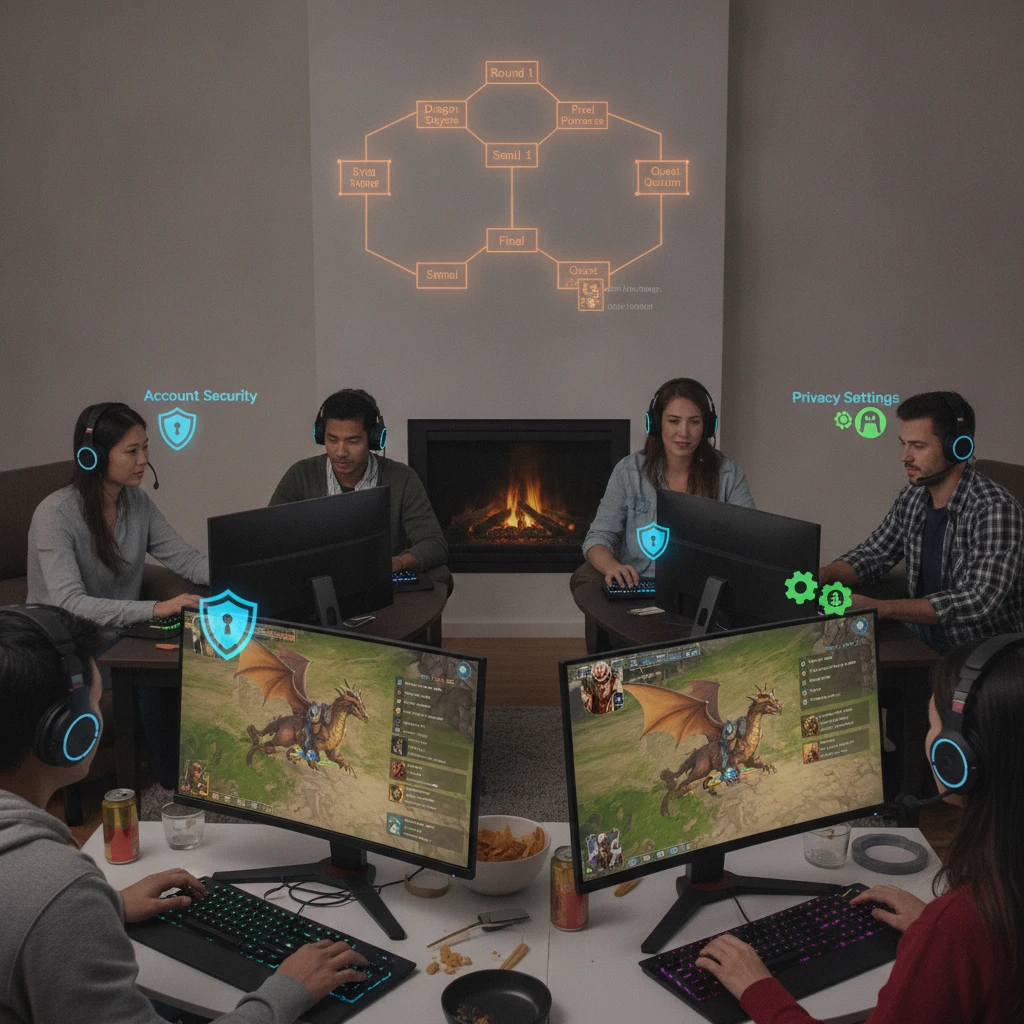
Online games bring players together for matches, trades, voice chat, and tournaments. A few deliberate habits can help protect your gaming accounts, personal information, and devices without getting in the way of play.
Why online gaming safety matters
Online gaming safety matters because multiplayer games and tournaments bring strangers, chat, payments, and account access together in one place. Knowing how to spot scams and set boundaries can help you enjoy the game while reducing avoidable risks.
Common problems include phishing messages that imitate a game operator, fake giveaways, fraudulent trades, harassment, and stolen accounts. A compromised account may put purchased items, saved payment details, or linked email and social accounts at risk. The precise exposure depends on the game and account settings, so check what information each service stores and shares.
Think of safety as three connected layers: account security protects access, privacy controls limit what others can learn about you, and device security helps keep malicious software away. A weakness in one layer can undermine the others. For example, a reused password may let a scammer take over an account even if your in-game profile reveals very little.
Secure your gaming accounts
Secure gaming accounts with a unique password, multi-factor authentication, and current recovery options. These steps make it harder for someone to sign in and easier for you to regain access if a problem occurs.
Use a strong, unique password for every game and tournament platform. A password manager can generate and store long passwords, so you do not have to reuse one across multiple accounts. If one service has a data breach, unique passwords reduce the chance that the same credentials unlock your other accounts.
- Turn on MFA wherever available. Multi-factor authentication asks for an additional verification step, such as an authenticator code or security key. It can help protect an account even if someone learns its password.
- Check recovery options. Keep the account email and phone number current, secure the email account with its own unique password and MFA, and save backup codes somewhere private.
- Review sign-in alerts and sessions. Enable alerts if offered, sign out devices you no longer use, and contact official support about unfamiliar activity.
MFA adds a small step at sign-in, and recovery methods need care too: never send a verification code or backup code to another player. A real support process should not require you to hand a stranger your password or one-time code in chat.
Protect your privacy in games and chats
Protect your privacy by limiting profile visibility and keeping identifying details out of voice and text chat. Your in-game name and public profile can be seen by people you do not know, so share only what is needed to play.
Review privacy settings for friend requests, messages, voice chat, profile details, and activity status. Depending on the game, you may be able to restrict communication to friends or mute and block players. For younger players, a parent or guardian can review available family controls together with them.
Do not share your full name, home address, school or workplace, phone number, travel plans, passwords, or account recovery details. Avoid showing documents, mail, or notifications on a livestream or screen share. Even a seemingly harmless detail, such as a local team or regular schedule, can help someone identify or locate you when combined with other information.
Use the game’s mute, block, and report tools when chat becomes abusive or uncomfortable. You do not owe other players personal explanations. Blocking can reduce contact, while a report gives moderators information to review; save relevant evidence if the behavior is serious, but do not repost private material publicly.
Spot scams, phishing, and unsafe links
Spot gaming scams by checking who sent a message, where a link leads, and whether the offer creates pressure to act immediately. Treat unexpected login requests, prize claims, and trade offers as untrusted until you verify them through an official channel.
Phishing often arrives as a direct message, email, or chat post claiming you have won a skin, need to verify your account, or must act quickly to avoid a ban. A familiar logo or display name does not prove a message is genuine. Look for misspellings, unusual web addresses, requests for your password, or links that lead to a login page outside the service’s official site.
- Do not use a link in an unexpected message to sign in. Open the game or platform directly using its official app or a saved, verified address.
- Confirm giveaways and tournament announcements through the organizer’s official website or verified account. Be wary of requests for an upfront fee, password, MFA code, or remote access.
- For trades, inspect the offered items and terms inside the official trading system. Avoid deals that move payment or account details to an unrelated chat or website.
If a message feels urgent, pause. A legitimate prize or account notice should still be verifiable without handing over credentials. The U.S. Federal Trade Commission’s guidance on recognizing and avoiding phishing scams offers additional ways to assess suspicious messages.
Keep your devices and game software safer
Keep devices safer by downloading games and updates through official stores, launchers, or the publisher’s verified website. Install operating-system and game updates promptly, since they can include security fixes as well as new features.
Unofficial add-ons, cheats, mods, and tournament tools can carry risks, especially when they ask you to disable security protections or run unknown files as an administrator. Some community mods are legitimate, but review the creator, permissions, installation steps, and reputation before using one. If you cannot verify a download, skip it.
Use a screen lock and keep security software enabled. Avoid signing in on shared or public computers when possible; if you must, do not save the password, sign out fully, and check for unfamiliar sessions afterward. On shared gaming devices, use separate system profiles where practical.
Updates and security checks take time, and they may occasionally interrupt a gaming session. Schedule them before a tournament rather than postponing them indefinitely. The goal is to keep software current without installing unverified files just because a match is about to start.
Play and compete safely in tournaments
Play tournaments safely by verifying the organizer and platform, keeping team communication on agreed channels, and protecting your login details. Check the rules and support process before you register, especially if the event involves entry fees, prizes, or account connections.
Use the tournament platform’s official registration page and confirm that its event details match the organizer’s announcement. Read what information registration requires and how the platform handles it. If an event asks you to connect a game account, review the permissions and cancel if they seem unrelated to the competition.
Coordinate with teammates through a known team channel, but never share passwords or MFA codes to let someone else manage your account. Be cautious of last-minute messages asking you to install a new anti-cheat tool or sign in through a separate page. Confirm changes with the organizer using contact information you already trust.
Before an event, secure your account, test your connection, update the game through its official launcher, and check privacy settings for streams or screen shares. During play, keep personal notifications off-screen. Afterward, sign out of tournament devices and review active sessions if you logged in somewhere unfamiliar.
What to do if something goes wrong
If an account may be compromised, secure the linked email first, change passwords from a trusted device, and contact the game or platform through its official support channel. If you face harassment or a suspected scam, stop engaging, preserve useful evidence, and use the platform’s block and report tools.
For suspected account theft, take these steps promptly:
- Use the official account recovery process. Change the password to a new, unique one and revoke unfamiliar sessions if the service allows it.
- Secure the linked email account and any other accounts that reused the affected password. Turn on MFA and review recovery details.
- Check purchase history, linked payment methods, and account changes. Contact the payment provider if you see unauthorized charges.
- Report the incident to official support. Include relevant dates, messages, receipts, or screenshots, but do not send passwords or verification codes.
If someone is harassing or threatening you, stop replying, block and report the account, and tell a trusted person. Save messages or other evidence when safe to do so. For immediate threats to personal safety, contact local emergency services.
Frequently asked questions
What information should I never share while gaming?
Never share passwords, MFA codes, backup codes, or account recovery details. Keep your home address, phone number, full name, school or workplace, and financial information private as well.
How can I tell if a gaming message is a phishing attempt?
Be cautious if a message pressures you to act quickly, promises an unexpected prize, asks for credentials, or sends you to an unfamiliar login page. Verify the claim by opening the official app or website directly.
Should I use MFA on my game accounts?
Yes. MFA adds a verification step that can help protect your gaming account if its password is exposed. Enable it on the linked email account too, and store backup codes securely.
What should I do if my gaming account is hacked?
Secure the linked email, start account recovery through official support, change reused passwords, and check sessions and purchases for unfamiliar activity. Report unauthorized charges to your payment provider.